9 min read
If you were sailing across the ocean and someone told you there was a hole in your boat, you wouldn’t ignore it; you’d fix it immediately. In business, though, that’s often exactly what happens with software and hardware vulnerabilities. These hidden gaps can leave your organization exposed, and while solutions are often readily available, they aren’t always applied in time. Staying proactive with system maintenance is one of the most important steps a business can take to protect its operations and avoid unnecessary risk.
As tech advances, security becomes even more challenging. Research shows that "by mid‑2025, more than 52,000 new vulnerabilities had been disclosed. This increase in threats emphasizes why proactive cybersecurity is no longer optional." (1) However, the rise in security breaches comes from a lack of basic maintenance and an understanding of the difference between updates and patches. Updates are typically designed to improve performance, introduce new features, or enhance the overall user experience. Patches, on the other hand, are specifically created to fix security vulnerabilities, the kinds of weaknesses that bad actors actively search for. Manufacturers like Microsoft are constantly identifying these vulnerabilities and releasing fixes, but once those patches are available, it’s up to users to ensure they’re actually installed. When patches are delayed or ignored, businesses remain exposed to threats with known solutions. Studies show that "57% of cyber attack victims report that their breaches could have been prevented by installing an available patch." (2)
The Risk of an Unmanaged Environment
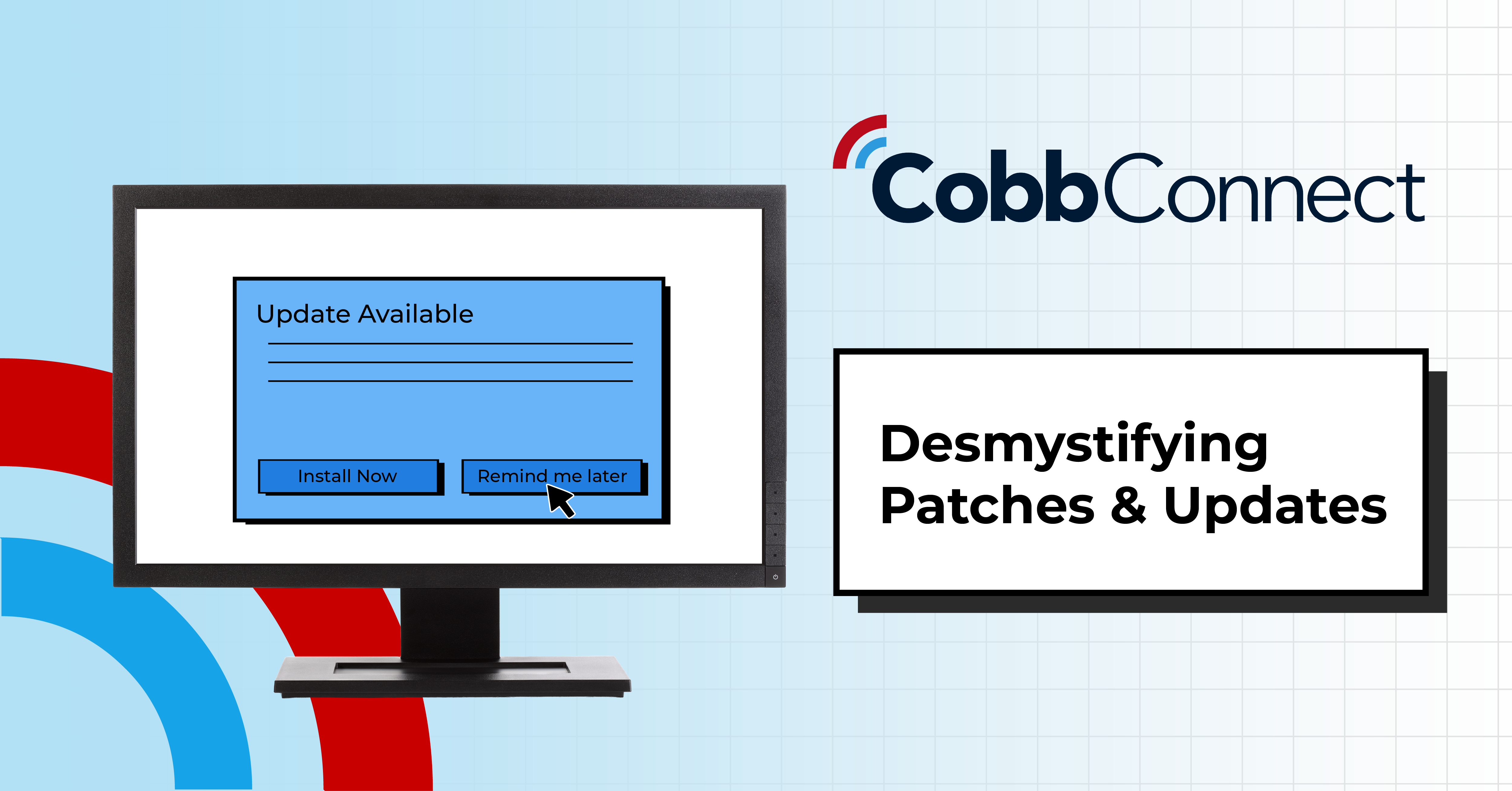
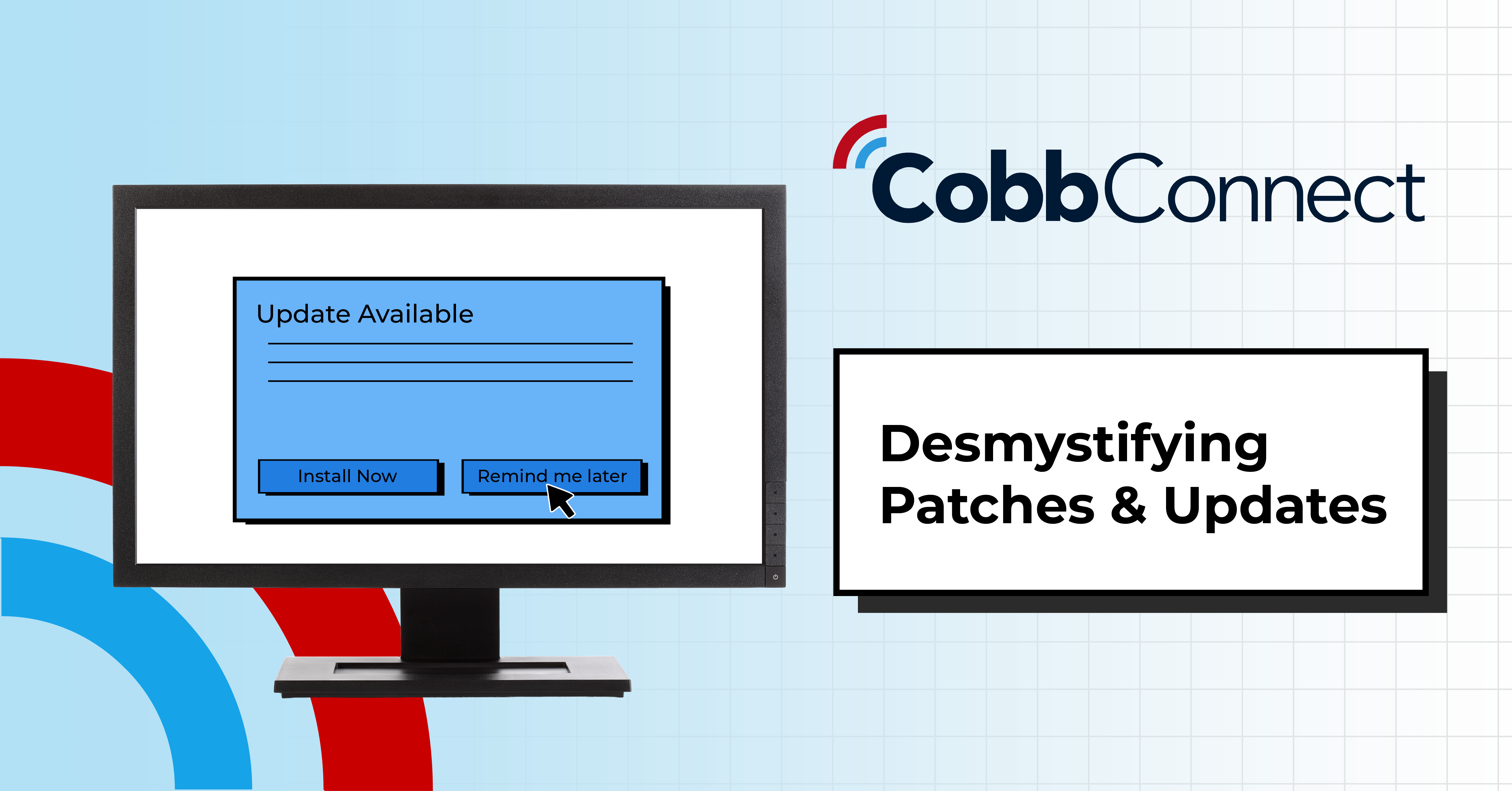
That risk becomes even more pronounced in unmanaged environments. Without a centralized system in place, patching responsibility falls entirely on individual users. It’s easy to click “remind me later” on an update notification or miss it altogether when no alert is provided. Between operating systems, third-party apps, firmware, and remote endpoints, keeping everything updated becomes nearly impossible without automation. On the contrary, automation systems and a managed environment can help. "Organizations using automation can reduce patching time by more than 50% compared to manual approaches." (3)
Many organizations lack a clear view of what needs updating, leading to missed patches and increased risk. Without a structured approach, updates become reactive instead of proactive, leaving systems exposed during the most critical windows of vulnerability. Without a defined process, patching becomes inconsistent, something we see often in organizations without any data security set up to protect themselves from bad actors.
To address this, many organizations turn to Remote Monitoring and Management (RMM) as a more reliable solution. RMM technology allows IT teams or managed service providers to automate the patching process across every device in the organization. Instead of relying on individuals to manage their own systems, patches can be deployed centrally, ensuring consistency and reducing the risk of human error. This approach also makes it easier to stay aligned with internal security policies, which often require regular patching across all company-owned devices.
What a Managed Environment Actually Looks Like
Strong patch management isn’t just about installing updates; it’s about building a repeatable, proactive process that reduces risk across your entire environment. That includes identifying vulnerabilities early, prioritizing based on risk, and deploying updates efficiently without disrupting operations.
At a high level, a modern patching strategy should include:
- Continuous monitoring for new vulnerabilities
- Prioritization based on severity and business impact
- Scheduled, automated patch deployment
- Testing to prevent compatibility issues
- Reporting and visibility across all devices
Organizations that take this structured approach aren’t just more secure; they’re more efficient. They spend less time reacting to issues and more time focusing on growth. However, patching is just one piece of a larger security strategy.
| Category | Managed Environment | Unmanaged Environment |
|---|---|---|
Patching Speed |
Automated, real-time deployment |
Delayed or inconsistent updates |
Security Risk |
Proactively reduced through continuous monitoring |
Widely known vulnerabilities remain open |
Downtime |
Minimal due to preventative maintenance |
Frequent, reactive changes |
Visibility |
Full network and device visibility via RMM |
Limited or no centralized oversight |
Response Time |
Immediate alerts and rapid remediation |
Slow response, after damage occurs |
Compliance |
Easier to maintain audit readiness |
Higher risk of non-compliance penalties |
IT Workload |
Offloaded and streamlined |
Predictable, controlled investment |
Cost Structure |
Predictable, controlled investment |
Unpredictable costs from incidents and downtime |
User Productivity |
Systems run efficiently |
Reduced due to recurring issues |
Threat Prevention |
Stops issues before they escalate. |
Deals with issues after impact |
What a Managed Approach Looks Like
Managing updates across an entire organization takes time, resources, and the right tools; something most internal teams don’t have the bandwidth to handle consistently. That’s where a managed approach makes a difference.
With solutions like Remote Monitoring and Management (RMM), an automated patch deployment is implemented across an entire organization’s device base, allowing patches to be automatically pushed, monitored, and verified. This not only removes the burden from employees but also ensures that critical security updates are handled in a timely and consistent manner. Cobb Connect ensures that updates are applied quickly, consistently, and without disrupting your operations. Instead of reacting to vulnerabilities after they become a problem, businesses can stay ahead of them, reducing risk while improving overall system performance. In addition to automation, systems are routinely audited to identify any failed patches, with manual remediation steps taken to close any remaining gaps. This layered approach helps maintain a strong security posture while supporting compliance requirements that many businesses are obligated to meet.
Keeping systems secure isn’t just about reacting to issues; it’s about building a proactive strategy that prevents them in the first place. By combining automated patch management with ongoing monitoring and oversight, businesses can significantly reduce their exposure to risk while improving overall operational efficiency. By taking a proactive, structured approach to patch management, organizations can close one of the biggest security gaps they face today.
CobbConnect’s managed services are designed to simplify this process, helping organizations stay protected, compliant, and focused on what matters most.
Citation List:
- Rootshell Security – Vulnerability Management Trends (2025)
https://www.rootshellsecurity.net/vulnerability-management-trends/ - Security Boulevard – 10 Cybersecurity Best Practices Everyone Should Know (2023)
https://securityboulevard.com/2023/02/10-cyber-security-best-practices-everyone-should-know/ - Automox – Patch Management Best Practices (2025)
https://www.automox.com/blog/patch-management-best-practices
FAQs
What's the difference between a software update and a security patch?
Updates typically improve performance, add features, or refine the user experience. Patches are narrower and more urgent — they're built specifically to close a known security vulnerability. A missed update might mean you're not using the latest features; a missed patch means a known weakness in your system stays open.
How often should patches be applied?
There's no universal schedule; it depends on severity. Critical vulnerabilities often need same-day or same-week remediation, while lower-risk patches can follow a regular monthly cycle. This is why prioritization based on severity and business impact matters more than a fixed calendar.
Can't I just rely on automatic updates from Microsoft or other vendors?
Vendor-side automatic updates help, but they don't cover your entire environment — third-party applications, firmware, and remote endpoints often fall outside that umbrella. Without centralized oversight, it's easy for something to get missed, especially across multiple devices and users.
What's the risk of delaying a patch, even briefly?
Once a patch is released, the vulnerability it fixes becomes public knowledge — which means it's also known to attackers actively scanning for unpatched systems. The window between a patch's release and its installation is often when exploitation risk is highest.
What is RMM, and how is it different from manual patching?
Remote Monitoring and Management (RMM) is technology that lets an IT team or provider deploy, monitor, and verify patches centrally across every device in an organization, instead of relying on individual users to manage updates themselves. It reduces inconsistency and removes the burden from employees.
Will automated patching disrupt daily operations?
A well-run managed approach schedules deployment and tests for compatibility issues before rollout, so patches are applied without unnecessary downtime. This is different from ad hoc patching, which tends to be reactive and more disruptive when it happens.
Does patch management help with compliance?
Yes; many compliance frameworks require regular, documented patching across company-owned devices. A managed environment with reporting and visibility makes it easier to demonstrate audit readiness; an unmanaged one makes it harder to track gaps and explain them later.
How does Cobb Connect handle this?
Cobb Connect automates patch deployment across your device base and routinely audits for failed patches, with manual remediation for anything automation missed — combining automated coverage with human oversight rather than relying on either alone.
8 min read
SOC vs. NOC: Which One Does Your Business Need?
As businesses grow more reliant on digital infrastructure, the need to maintain both system performance and security becomes harder to manage...
11 min read
Reactive IT vs. Proactive IT Management
For many small and mid-sized businesses, technology problems don’t show up as major failures right away. Instead, they appear as slow networks,...

Jason Holmes