
2 min read

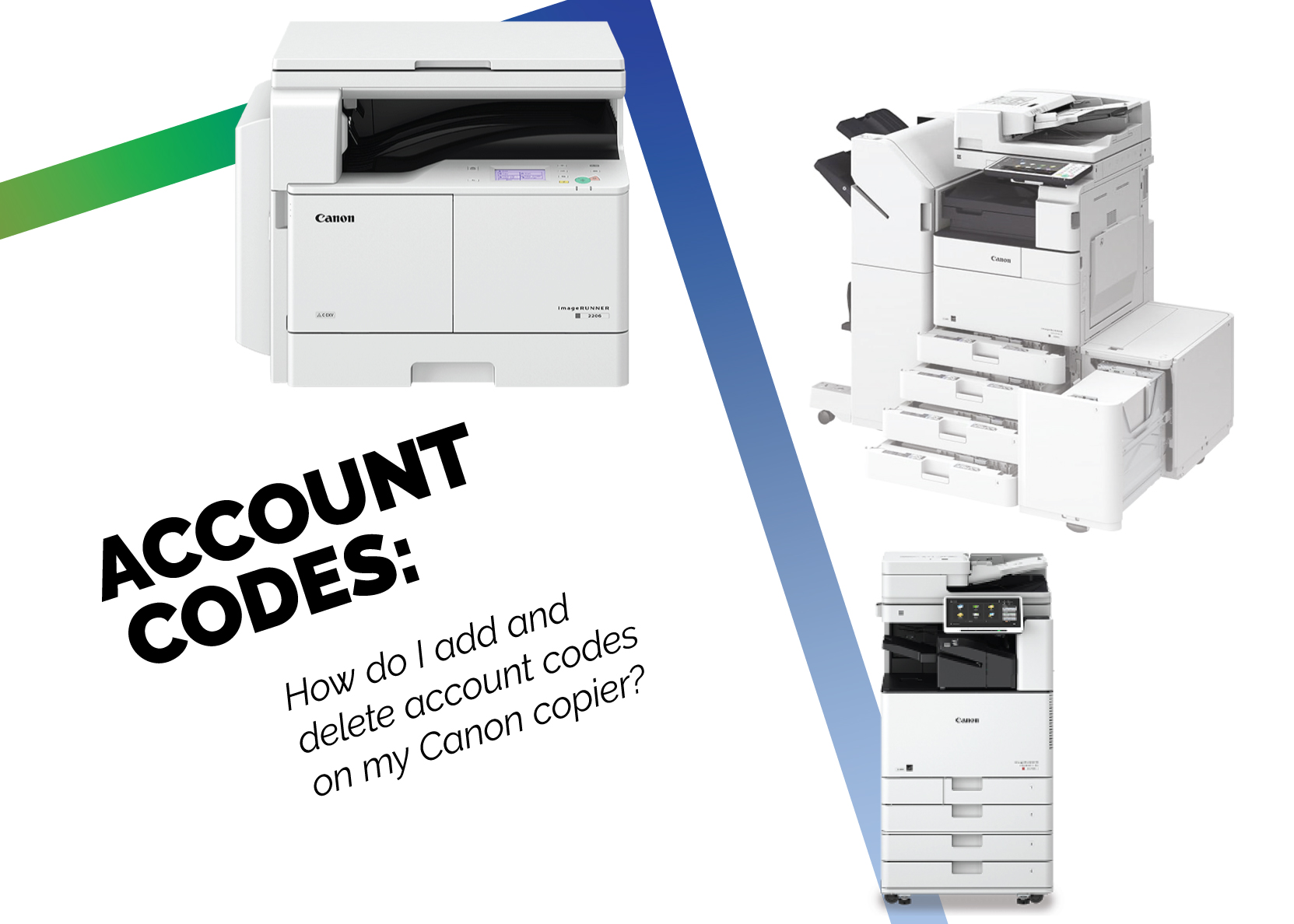
How Do I Add and Delete Account Codes on My Canon Copier?

How Do I Add and Delete Account Codes on My Canon Copier?
2:46

While print management solutions are the most in-depth solution to managing, tracking, and automating printing in the office, account codes are a reliable and affordable backup solution when print management software is unobtainable.

While account codes cannot be used to automate your printing workflows, they can track print usage, and can be used to set printing rules specific to each code.

WHEN TO USE ACCOUNT CODES

Account codes are a standard feature on almost every copier — giving your business a completely free resource and tool for managing prints on a high level. Most copiers grant access to between fifty to one hundred account codes, allowing your office to set rules specific to either a single department, or each individual employee who will use that machine.

If your business uses keycards, account codes can be set to those as well — giving your the ability to add as many account codes as necessary.

For instance, if your HR department is printing too many documents each month and causing overages, you can set a limit to prints on the HR account code, or, as another example, limit your AP department to only black and white prints.

If your business does make use of account codes, make sure to reset the amounts of prints each month, as some machines will not reset these numbers, causing interruptions when print limits are hit due to the previous month’s usage.

HOW TO ADD AND DELETE ACCOUNT CODES

We always recommend going through a new copier like you would a new phone — delving into the options and systems. This will help you to learn where and how to access certain functionalities, one such being account codes.

In order to access the account codes, you’ll need to be logged in as an administrator on the machine. Next, you’ll head to administrator settings. From there, you will select user management, which will allow you to select specific account codes.

From here, once an account code is highlighted, you will be able to delete that account code by pressing the delete button. You can also add an account code using the add button.

WHEN NOT TO USE ACCOUNT CODES

While account codes a simple and free way to manage print limits and rules, print management software can help you save a lot of time and money in the long run. Not only do print management software options usually come with efficiency-driving tools like mobile printing, but they also offer smart management solutions such as automatically sending a print to the most economical machine for the job at hand.

Programs like Papercut come with money-saving features like this, and as such, while coming with their own up-front cost, can cause an increase in employee efficiency, and a decrease in wasted resources and money.


What Microsoft's Scan-to-Email Update Means for Your Workflow

10 min read

What Microsoft's Scan-to-Email Update Means for Your Workflow

There is a major email security update from Microsoft that will disrupt scan-to-email workflows for many businesses unless action is taken before...

Best IT Strategies for Law Firms Going Into 2026

11 min read

Best IT Strategies for Law Firms Going Into 2026

Why should a law firm invest in a strong modern IT strategy? Today’s legal teams depend on secure, reliable technology to protect sensitive...

We “LOUVRE” Strong Passwords: How a Weak Password Can Lead to Big Losses

2 min read

We “LOUVRE” Strong Passwords: How a Weak Password Can Lead to Big Losses

The Louvre’s password became the punchline of a global story after a heist revealed major security concerns for the museum. Reports say the password...