
1 min read

How to Personalize Cards Using Your Copier

How to Personalize Cards Using Your Copier

Whether they’re holiday cards or thank you cards, many organizations mail out cards throughout the year. 


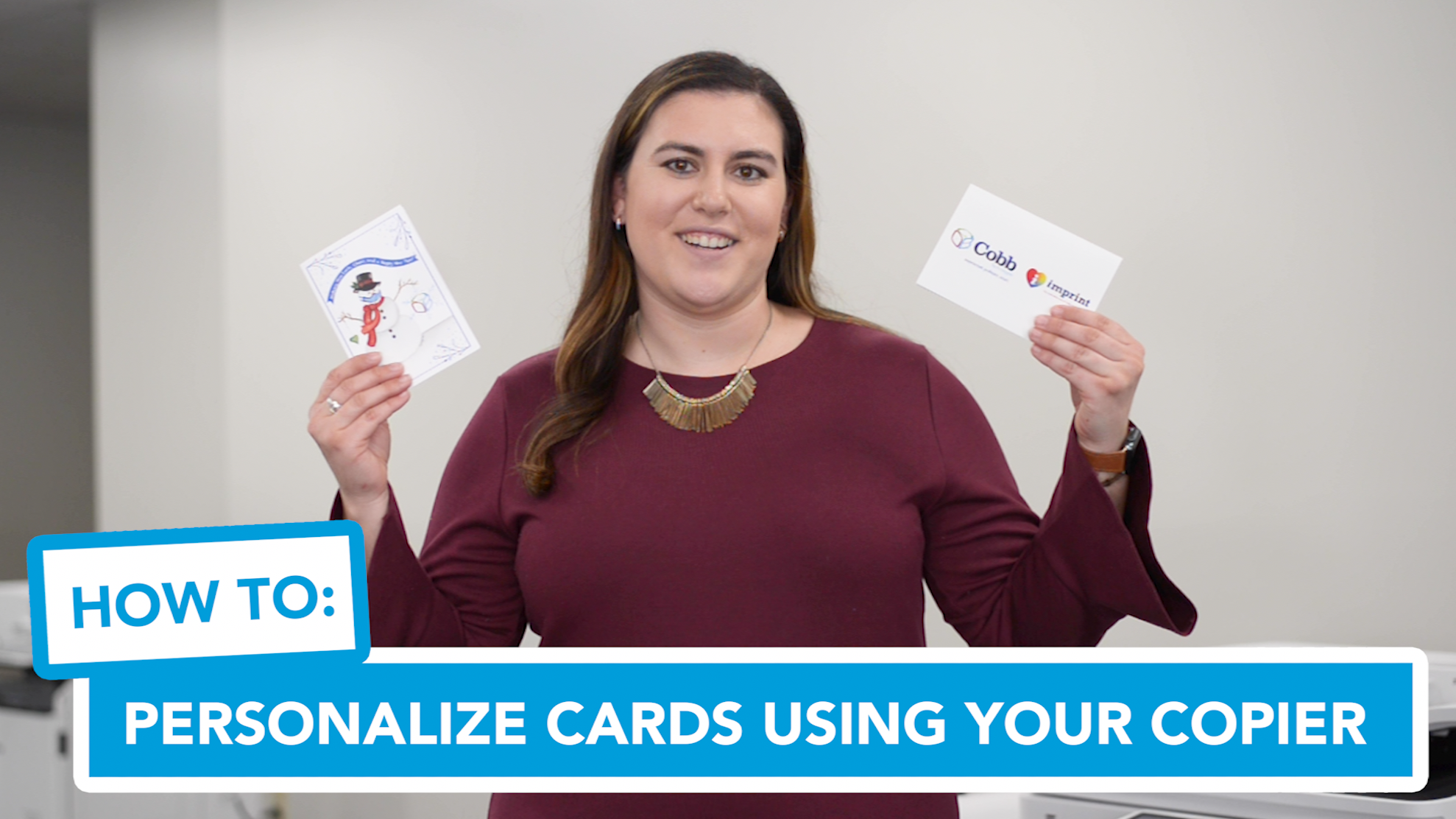
Hi, Kaitlin here with Cobb Technologies. Including a hand-written message in your cards always makes them feel more special and heart felt, but sometimes personalizing each and every card can take a long time – time you may not have.

Here’s a quick copier tip that will substantially cut down on that time, let’s take a step-by-step look at it!

  1. First, Look at the format of your card. Take a piece of white copy paper and write your hand-written message where the blank space on the card would align. You can also include your signature at the bottom. 
  2. Next, take the paper with your message and your card to the device. Place the card in the bypass tray. Copy the message and be sure to indicate to pull from the bypass tray. 
  3. Evaluate how the message formatted on the card. Go back to step 1 and make adjustments as needed. This may take a few tries. 
  4. Once you have found the right formatting, place more cards in the bypass tray. You can do a copy of 20, 50, or 60 cards. 
  5. Finally, all you need to add is your salutation at the top in the same color pen used for the message. 

And that’s it! What could have taken days might now only take a minute when you account for finishing touches. For more device tips, tricks, and educational material, check out cobbtechnologies.com!


Reach out!

Parisa Tabriz:

5 min read

Parisa Tabriz: "The Security Princess"

Introduction In a field historically dominated by men, Parisa Tabriz has emerged as one of cybersecurity’s most influential voices over the past...

4 min read

"The Godfather of Silicon Valley" Roy Lee Clay Sr.

In honor of Black History Month, we want to take a moment to highlight the brilliance and innovation of Roy Lee Clay Sr, an inventor recognized for...

What Microsoft's Scan-to-Email Update Means for Your Workflow

10 min read

What Microsoft's Scan-to-Email Update Means for Your Workflow

There is a major email security update from Microsoft that will disrupt scan-to-email workflows for many businesses unless action is taken before...