
1 min read

How to Register Your Fob or ID Badge to Access Uniflow on Your Canon Copier

How to Register Your Fob or ID Badge to Access Uniflow on Your Canon Copier
0:57

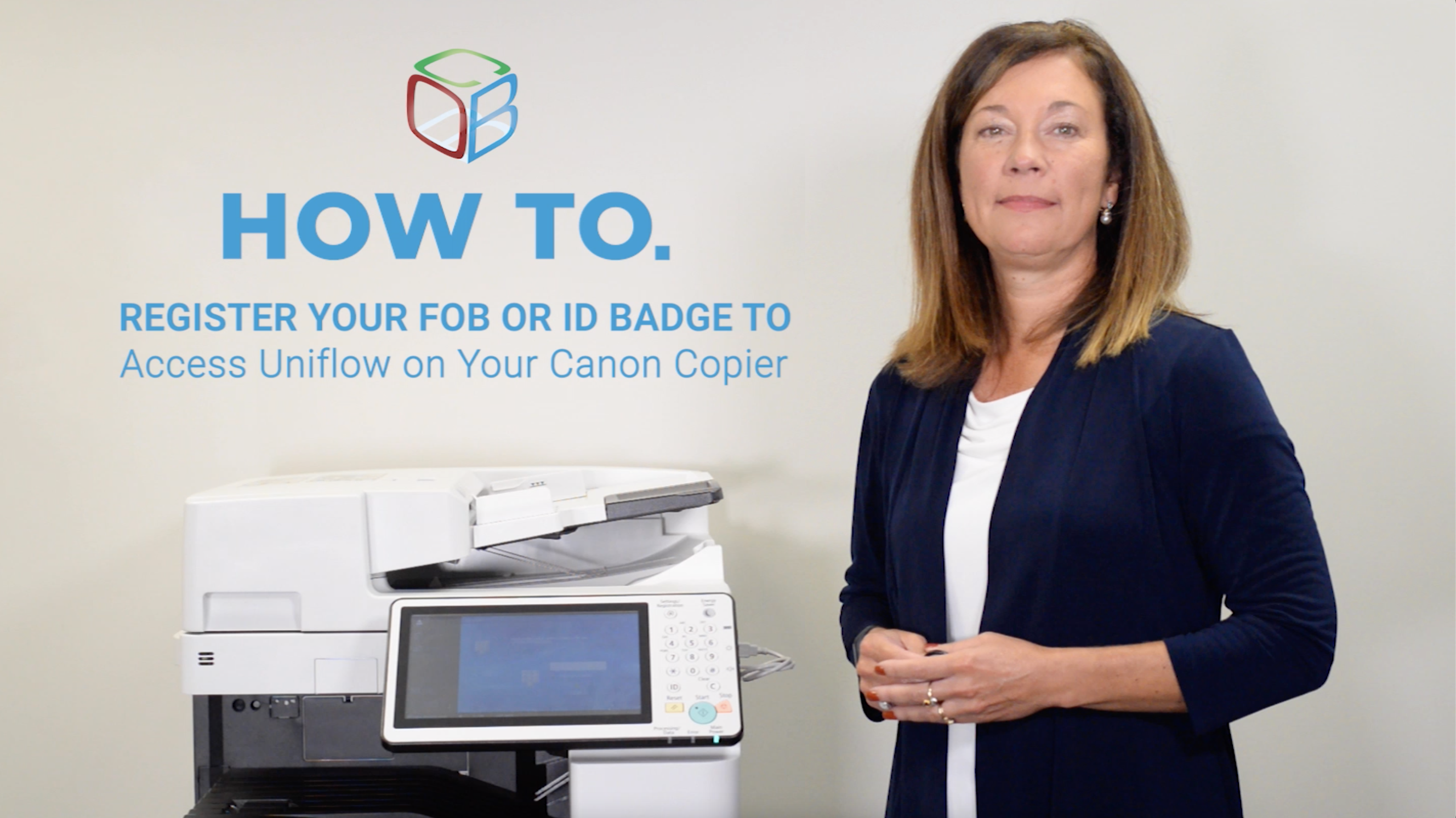
Hi, I’m Cathy Miles with Cobb Technologies, and today I am going to show you how to do a one-time self-registration of your fob or ID badge so that you can authenticate and gain access to Uniflow on your Canon copier!


  1. First, locate the card reader on your copier. The location of the card reader will vary depending on the model of your copier.
  2. Once you’ve located it, simply hold your fob or ID card over the card reader.
  3. You will hear a light beep confirming that your fob or ID card has been recognized by the reader.
  4. The control panel will automatically prompt you to enter your network credentials that you enter at your workstation. This will be your network User ID and Password.
  5. You will first enter in your User ID, followed by your password.
  6. You are now registered! Going forward, you can simply swipe your fob or badge over the card reader to authenticate at the device.    

For more copier tips and tricks, visit our blog!


6 min read

"The Mother of Wi-Fi" Hedy Lamarr

In honor of Women’s History Month, we’re recognizing the groundbreaking contributions of Hedy Lamarr, a Hollywood star and tech innovator whose work...

Parisa Tabriz:

5 min read

Parisa Tabriz: "The Security Princess"

Introduction In a field historically dominated by men, Parisa Tabriz has emerged as one of cybersecurity’s most influential voices over the past...

4 min read

"The Godfather of Silicon Valley" Roy Lee Clay Sr.

In honor of Black History Month, we want to take a moment to highlight the brilliance and innovation of Roy Lee Clay Sr, an inventor recognized for...