5 min read

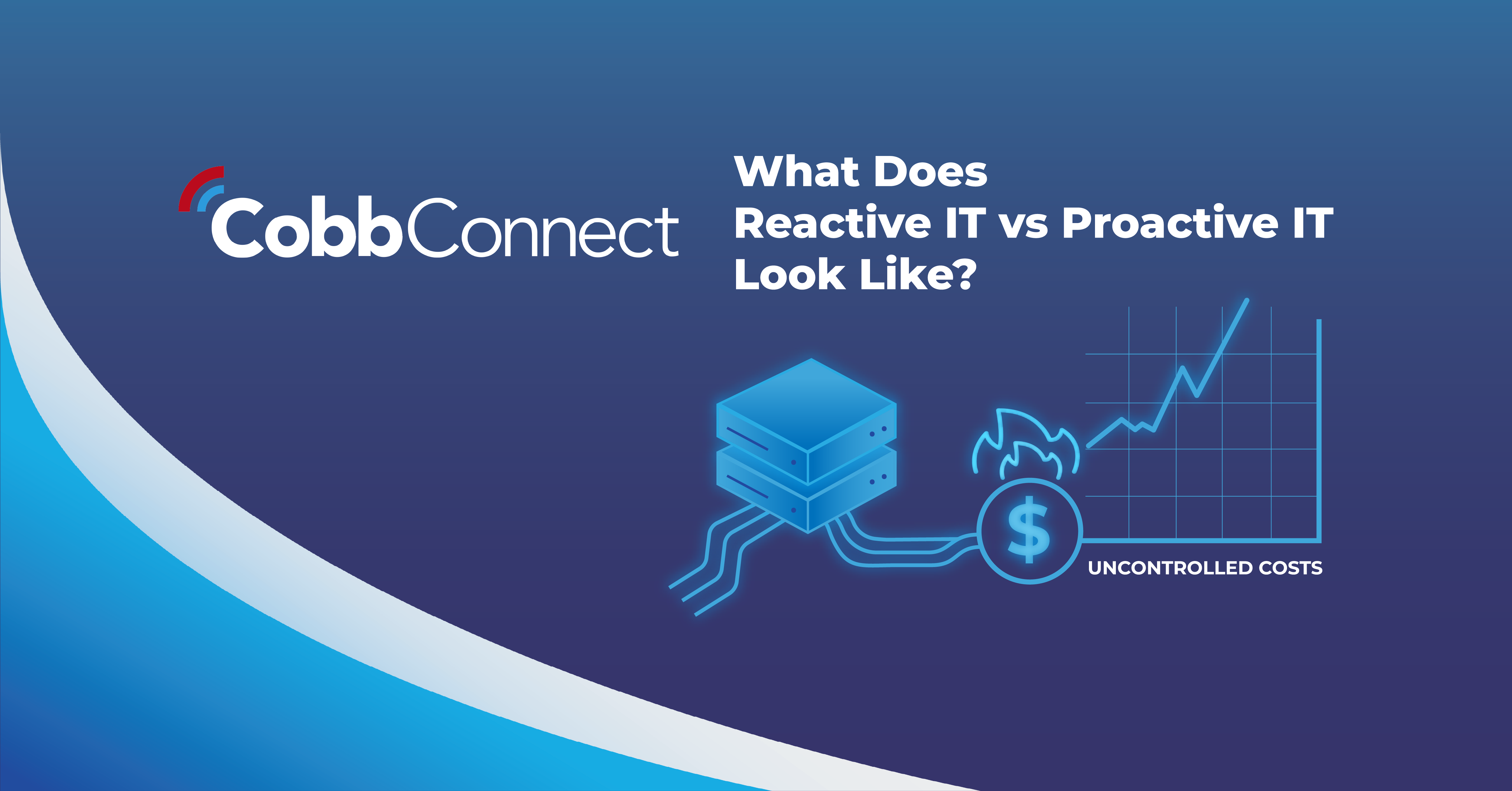
Reactive IT vs. Proactive IT Management

Reactive IT vs. Proactive IT Management
7:02

For many small and mid-sized businesses, technology problems don’t show up as major failures right away. Instead, they appear as slow networks, intermittent outages, security alerts, broken workflows, or systems that behave unpredictably after updates. These disruptions often share a common root cause: unmanaged devices and networks.

Without consistent IT monitoring and oversight, businesses are forced into a state of reactivity, addressing problems only after they affect employees and customers. This blog explores why network monitoring matters, how proactive IT support differs from a reactive IT approach, and why partnering with an IT service provider can help businesses regain control of their technology environment.

What Is Reactive IT Support, and Why Does It Fall Short?

A Reactive IT approach operates on a simple principle: fix the issue once it breaks. In this model, technology is largely unmanaged until a problem becomes visible enough for someone to report it. While this approach may seem cost-effective initially, it often leads to recurring issues, unpredictable downtime, and security risks that go unnoticed until damage is already done.

When IT support is reactive, there is little visibility into system health, network performance, or device behavior. Updates are applied under pressure, vulnerabilities remain unpatched, and network issues are addressed symptom by symptom rather than at the root. Over time, this creates instability and makes it difficult for business leaders to confidently plan, scale, or secure their operations.

- CEO of NENS, Michael Kourkoulakos,


Category Reactive IT Proactive IT
Issue Management
IT issues are addressed only after users report problems or systems fail.
Potential issues are identified and addressed before they disrupt users or workflows.
IT Monitoring
Limited or no continuous monitoring of devices, networks, or performance.
Ongoing IT monitoring provides real-time visibility into system health and network activity.
Downtime Impact
Frequent and unpredictable downtime that interrupts daily operations.
Reduced downtime through early detection and preventative maintenance.

Security Posture

Security threats are addressed after alerts, breaches, or failed audits occur.
Continuous network security monitoring helps prevent threats before they escalate.
Business Productivity
Employees lose time waiting for fixes and working around recurring IT issues.
Technology runs quietly in the background, allowing teams to stay focused and productive.
Scalability

IT environments become harder to manage as the business grows.

Built to scale, supporting growth with structured oversight and planning.
IT Strategy
Technology decisions are made reactively under pressure.
IT decisions are aligned with long-term business goals and growth plans.
Costs
Emergency fixes, after-hours support, and surprise expenses drive inconsistent IT spend.
Predictable, optimized costs through planned maintenance and proactive support.

Why Does Network Monitoring Matter In Today’s IT Environments?

Network security monitoring plays a critical role in maintaining stable and secure business operations. Modern networks are constantly changing, from adding new devices to rolling out software updates and evolving security threats. Without continuous monitoring, small issues can quietly escalate into major disruptions.

Network monitoring matters because it provides visibility. It allows IT teams to identify unusual activity, performance bottlenecks, and potential security risks before users are affected. Instead of reacting to outages or breaches, proactive monitoring enables faster intervention, improved uptime, and stronger protection of business data. For organizations that rely on cloud services, remote work, or connected devices, this visibility is no longer optional; it’s the foundation of a good IT strategy.


"In the realm of IT, foresight isn't just beneficial - it is essential for ensuring business continuity and growth."

- CEO of NENS, Michael Kourkoulakos,


What Does Proactive IT Support Look Like In Practice?

Proactive IT support is built around prevention, visibility, and accountability. Rather than waiting for issues to surface, systems are continuously monitored, maintained, and optimized to reduce risk and disruption. This approach shifts IT from a reactive expense to a strategic business function.

A proactive IT model focuses on identifying patterns, maintaining system health, and addressing vulnerabilities early. With consistent monitoring in place, IT teams can resolve performance issues, apply updates strategically, and strengthen security without interrupting daily work. For businesses, this means fewer surprises, more predictable technology costs, and greater confidence in their IT environment.

What Problems Does Proactive IT Monitoring Help Prevent?

Instead of responding to isolated incidents, proactive IT monitoring addresses the underlying conditions that cause recurring problems. A proactive approach helps reduce:

  • Unplanned downtime caused by unnoticed network or device issues
  • Security risks stemming from unpatched systems or unusual network activity
  • Workflow disruptions triggered by unmanaged updates or configuration changes
  • Ongoing performance issues that slowly erode productivity
  • Emergency IT expenses driven by last-minute fixes

By addressing these risks early, businesses can maintain stability while reducing the operational noise that comes from constantly reacting to technology problems.

How Does A Managed IT Service Provider Support Small Businesses?

Working with a managed IT service provider in VA gives small businesses access to structured, professional oversight without the burden of managing IT internally. Managed IT services for small businesses are designed to provide consistent monitoring, maintenance, and support that scales as the organization grows.

Instead of juggling vendors or relying on break-fix support, businesses gain a trusted partner responsible for network performance, security, and reliability.  Computer Resources of America finds that allocating our outsourcing enhances overall business operations, ¹ "Resource allocation is essential for optimized IT performance. By foreseeing future needs, proactive IT management ensures that funds, personnel, and technology are available to support both day-to-day operations and innovation." This model improves business IT support by ensuring systems are continuously monitored, issues are addressed proactively, and technology decisions are aligned with long-term business goals.

Why Now Is The Right Time to Move to Proactive IT Support

As technology environments grow more complex, reactive IT becomes increasingly risky. Businesses that rely on outdated or reactive support models often face rising downtime, security concerns, and frustration among employees. Proactive IT support offers a smarter alternative, one that prioritizes stability, prevention, and long-term reliability.

By investing in proactive monitoring and managed IT services, businesses gain confidence that their technology is being actively managed, not just repaired when something goes wrong. The result is a more resilient organization with IT systems that support growth rather than slow it down.

Ready to Strengthen Your IT Environment With Proactive Support?

If your business is spending too much time reacting to IT issues, it may be time to shift strategies. Cobb Connect offers proactive IT support and monitoring designed to reduce disruptions, improve security, and provide reliable business IT support.

Connect with Cobb Connect today for a free security assessment to explore how proactive IT monitoring and managed IT services can help your business move forward with confidence.

Works Cited:

F.A.Q About Reactive and Proactive IT

What's the difference between proactive and reactive IT?

 Reactive IT support addresses problems after they happen, such as system outages, security incidents, slow networks, or broken hardware. Proactive IT focuses on preventing those issues in the first place through monitoring, maintenance, patching, and strategic planning. The key difference isn’t effort, it’s timing. One responds to disruption; the other works to avoid it.

Why do many businesses still rely on reactive IT?

Reactive IT often develops organically as companies grow. It can seem cost-effective at first because you’re only paying when something breaks. The downside is that this approach doesn’t account for downtime, lost productivity, security exposure, or long-term inefficiencies, which are usually far more expensive than planned IT management.

How can proactive IT reduce downtime and disruptions?

Proactive IT uses continuous monitoring, automated alerts, and routine maintenance to identify issues before they impact users. Failing hardware, storage capacity limits, outdated software, and security vulnerabilities can all be addressed early, often without employees even noticing. The result is fewer interruptions and more predictable operations.

Is proactive IT only about preventing technical issues?

 No. While prevention is a major benefit, proactive IT also supports smarter business decisions. It aligns technology with growth goals, budgeting, compliance requirements, and workforce needs. Instead of IT reacting to business changes, proactive support ensures your systems are ready before changes occur.

How does proactive IT impact cybersecurity?

Proactive IT plays a critical role in cybersecurity by applying patches, monitoring network activity, managing access controls, and identifying suspicious behavior early. Reactive IT often discovers security issues after damage has occurred, while proactive IT works to reduce exposure and limit risk before threats escalate.

Is proactive IT more expensive than reactive support?

On paper, proactive IT is a predictable, recurring investment. In practice, it often lowers total IT costs by reducing emergency repairs, downtime, data loss, and security incidents. Businesses that rely solely on reactive support tend to face higher long-term expenses due to unplanned outages and crisis-driven fixes.

What does a proactive IT partnership typically include?

A proactive IT model usually includes system monitoring, patch management, security updates, performance optimization, regular reporting, and strategic IT guidance. The goal is not just to fix problems faster, but to create a stable, secure, and scalable technology environment that supports daily operations and future growth.

How can businesses transition from reactive to proactive IT?

The shift starts with visibility, understanding your current infrastructure, risks, and usage patterns. From there, businesses can implement monitoring tools, standardize updates, and adopt a managed IT approach that emphasizes prevention and planning. The transition doesn’t happen overnight, but the benefits compound quickly.

Reactive IT vs. Proactive IT Management

11 min read

Reactive IT vs. Proactive IT Management

For many small and mid-sized businesses, technology problems don’t show up as major failures right away. Instead, they appear as slow networks,...

6 min read

"The Mother of Wi-Fi" Hedy Lamarr

In honor of Women’s History Month, we’re recognizing the groundbreaking contributions of Hedy Lamarr, a Hollywood star and tech innovator whose work...

Parisa Tabriz:

5 min read

Parisa Tabriz: "The Security Princess"

Introduction In a field historically dominated by men, Parisa Tabriz has emerged as one of cybersecurity’s most influential voices over the past...