
1 min read

How to Enable Group Scanning and Sending

How to Enable Group Scanning and Sending
1:39

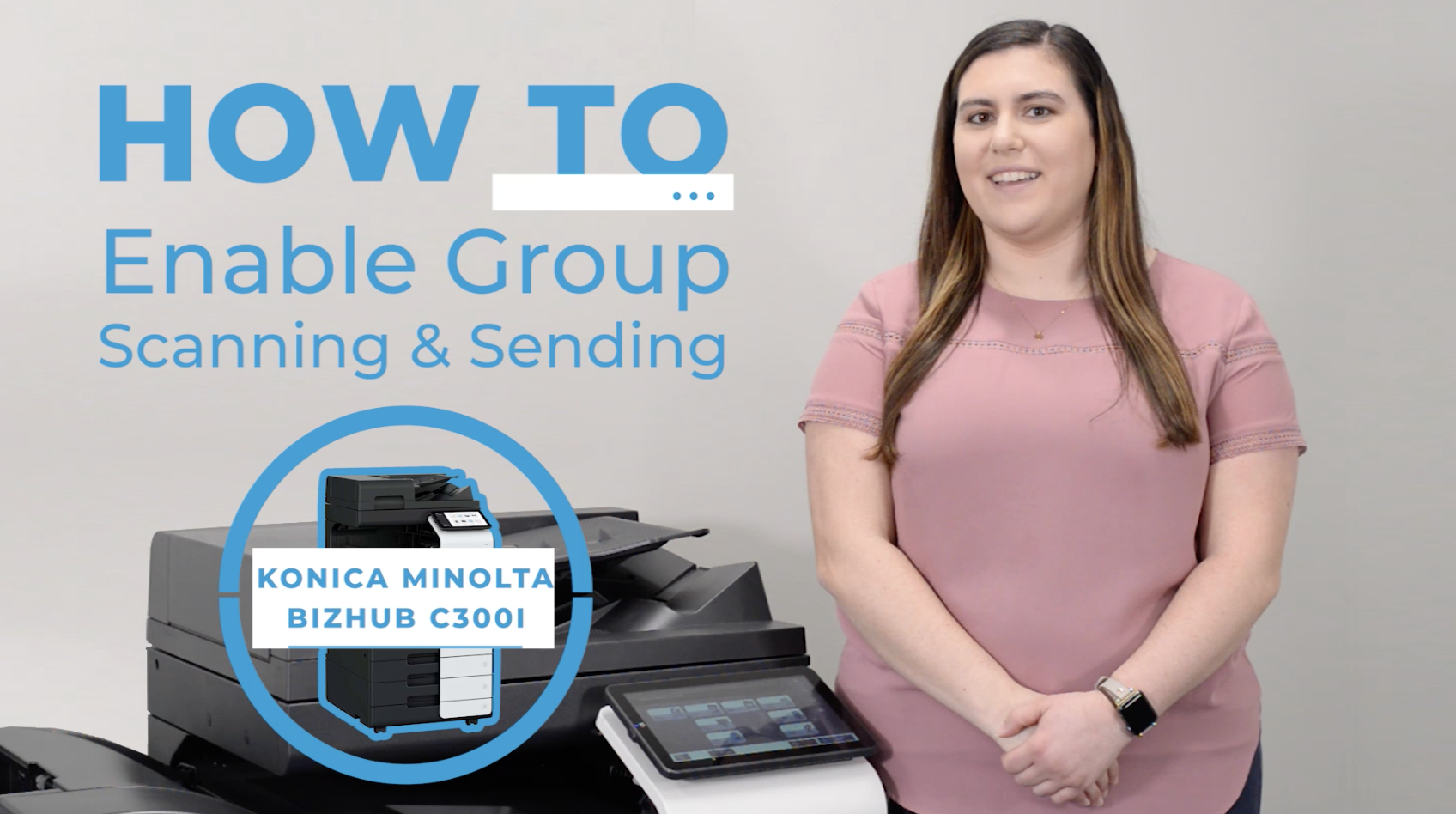
Join Kaitlin McDonnell as she guides you through the process of enabling group sending when you scan a document using the Konica Minolta BizHub C360i. 

BELOW IS A TRANSCRIPT OF THE VIDEO.

Hey there, Kaitlin McDonnell here with a quick video that will show you how to enable group sending when you scan a document. We’ll be using the Konica Minolta BizHub C360i. 

  1. You’ll start on your homepage screen, select Utility, and then hit Administrator. 
  2. From there, you’ll log in as the administrator. Once you’re done entering your password, press OK.
  3. You’ll continue to this new page, select Security and then Restrict User Access. 
  4. Scroll down on the Prohibit User Operation page and enable the Continuous Selection of Broadcast Destinations, as well as the Select All Group Destinations options. 
  5. Once you’ve finished doing so, press OK. 
  6. A Completed window will pop up shortly after to confirm your changes. 
  7. Press OK again.
  8. Next hit the Home button to end up back on the homepage and select Scan.
  9. On the Address Book section of the Scan screen, you’ll now see that group sending has been enabled. If you had existing groups that were previously hidden due to the setting being disabled, you’ll see them now on this page. 
  10. Like with the other single-user contacts in your address book, you can hit the group button to send scans off to members of that group. 
  11. Additionally, you can click on each specific group for a closer look at who is in those groups. You can even choose to omit people within that group.
  12. So, now you’re set to scan and send to groups!

Whether you’re sending a scan to your three-person project team, or to everyone at your branch, group sending is a convenient feature that will save you time. 

Head to our blog for more copier tips and tricks, as well as the latest news in business technology.


Questions? Reach out below!


Reactive IT vs. Proactive IT Management

11 min read

Reactive IT vs. Proactive IT Management

For many small and mid-sized businesses, technology problems don’t show up as major failures right away. Instead, they appear as slow networks,...

6 min read

"The Mother of Wi-Fi" Hedy Lamarr

In honor of Women’s History Month, we’re recognizing the groundbreaking contributions of Hedy Lamarr, a Hollywood star and tech innovator whose work...

Parisa Tabriz:

5 min read

Parisa Tabriz: "The Security Princess"

Introduction In a field historically dominated by men, Parisa Tabriz has emerged as one of cybersecurity’s most influential voices over the past...